
Traveling involves connecting to various networks. You might use airport or hotel Wi-Fi, then switch to different connections. Your VPN might disconnect briefly during these changes, leaving a small window where your data isn’t as secure. Understanding VPN functionality can help reduce these risks.
Basic VPN Functionality
A VPN creates an encrypted tunnel from your device to the internet. While active, this tunnel secures your connection. However, changing networks can interrupt this connection temporarily. Factors like weak signals or slow login processes can affect this.
Risks of Network Switching
When a VPN disconnects, your actual public IP address becomes visible, revealing your location and internet provider information. Although HTTPS encryption secures most websites, unprotected Wi-Fi networks might still pose risks.
Steps to Protect Your Network Connections
To enhance VPN security while traveling, consider these tips:
- Enable Auto-Connect: This feature ensures the VPN reconnects automatically when your device switches networks.
- Use a Kill Switch: A kill switch blocks internet traffic if your VPN connection drops.
- Choose a Quick Reconnecting Protocol: Selecting the right VPN protocol speeds up reconnection time.
- Check Wi-Fi Network Names: Confirm the official networks with staff to avoid connecting to untrusted networks.
- Complete Captive Portal Sign-In: Some networks require sign-ins; ensure you’ve completed this before assuming VPN protection.
Testing Before Traveling
Before travel, test your VPN by switching between Wi-Fi and cellular data. Check auto-connect and kill switch functionality. Ensure the VPN reconnects quickly and seamlessly. This preparation reduces potential risks while you travel.
 Senate Democrats Block Data Center Bill Over Efficiency Concerns
  Future Cities: Ambitious Projects Aiming for Innovation and Sustainability
 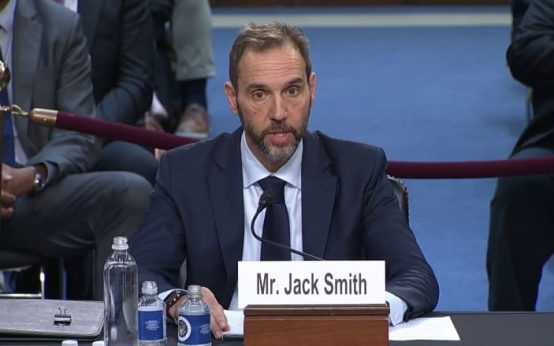 High-Profile Hearing and AI Developments: Key Political Moves
 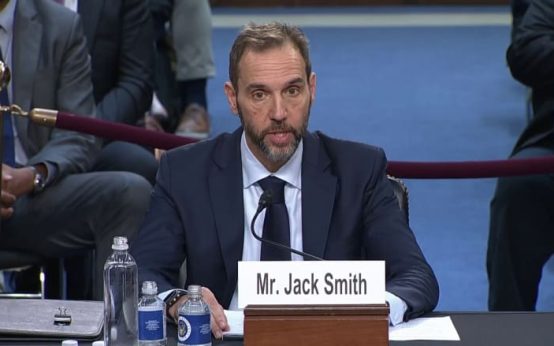 Key Events in Today’s Discussions Involving Jack Smith and President Trump
 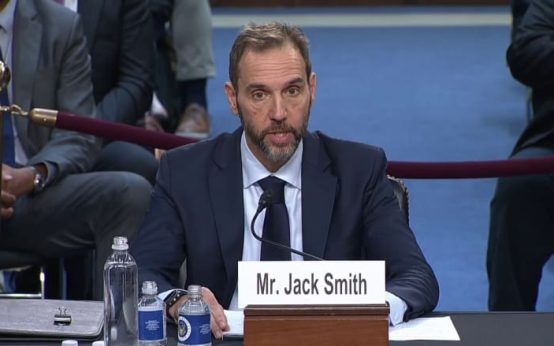 Jack Smith Faces Scrutiny Amid Investigations into Trump
  White House to Promote AI Benefits Amidst Security Concerns