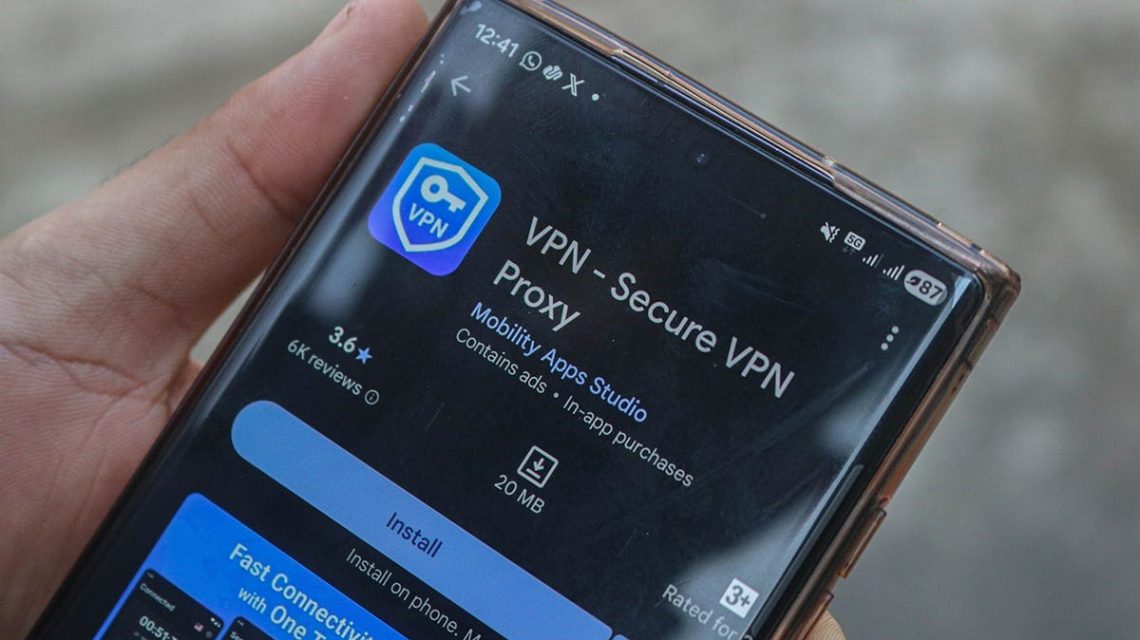
When you’re browsing the internet with a VPN, you might notice frequent requests to verify your identity. This is common when accessing bank accounts, emails, or online shopping. A VPN changes your IP address, which can trigger these security checks. A dedicated IP address may help minimize these interruptions while retaining VPN protection.
How VPNs Affect Logins
VPNs don’t interfere with passkeys or two-factor authentication codes. These codes work independently and can even operate offline. A VPN alters the public IP address seen by websites. This change can cause concerns for banks and email providers, as they use your IP address to verify the legitimacy of a login. Regular use of a consistent IP can avoid these issues, but with a VPN, your login might suddenly appear from a different location, raising alarms.
Reasons for Extra Security Checks
Two main factors can lead to additional security checks:
- A VPN using shared IP addresses can result in frequent IP changes as you reconnect or switch servers. An unfamiliar IP can trigger login flags.
- Shared IP addresses mean many users appear from the same VPN server. Security systems often classify logins from these addresses as suspicious, leading to more verification steps and potential lockouts.
While VPNs perform as expected, these security checks can become cumbersome if you’re often accessing sensitive accounts.
Using a Dedicated IP to Reduce Interruptions
A dedicated IP offers a fixed address, reserved solely for your use. This consistency can lessen unnecessary CAPTCHAs and security checks by ensuring websites see a familiar login location each time. However, it isn’t foolproof as websites also assess device activity and other security signals.
While some VPN providers offer dedicated IPs as an add-on or included in plans, privacy protections vary. Dedicated IPs associate repeated visits with the same address, diminishing your privacy against IP-based tracking. Despite this, they can streamline frequent logins, maintaining VPN encryption.
Tips to Avoid VPN Login Issues
If you face repeated verification requests, try these strategies:
- Switch VPN Servers: Some servers trigger more checks. Connecting to a closer server might help.
- Use Split Tunneling: Allows trusted apps to bypass the VPN, reducing login flags, but ensure secure network use.
- Check Authenticator App’s Clock: Time-based codes require correct time settings. Ensure your device is set to automatic date and time.
- Remember Trusted Devices: Allow websites to remember your device after identity verification to reduce further checks. Avoid this feature on public or shared computers.
- Verify Login Requests: Deny unexplained login requests and check for unauthorized activity.
Conclusion
A VPN offers privacy benefits, even if they sometimes result in security checks. A dedicated IP can reduce these, but won’t eliminate them entirely. Always keep two-factor authentication enabled for security. Have you found solutions to VPN-related login issues? Share your experience at CyberGuy.com.
For further tech tips and exclusive deals, subscribe to the CyberGuy Newsletter. Stay informed on scam alerts and gain access to the Ultimate Scam Survival Guide by joining today.
 Apple HomeView Unveiled: A New Smart Home Display
  Understanding the Potential Impact of AI on the Economy and Employment
  Social Media Platforms Face Legal Challenges in 2026
  Elon Musk: The Modern-Day Musketeer
  Tesla Roadster and Its Flight Capabilities Unpacked
  Meta’s Settlement and AI’s Impact on Children’s Development