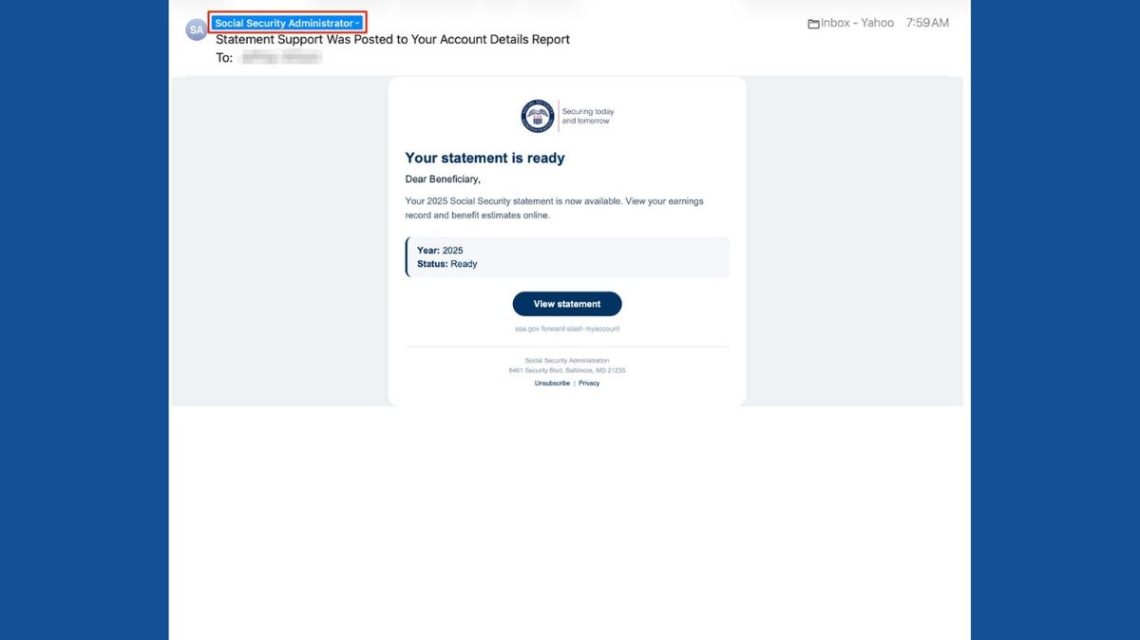
Email alerts from the Social Security Administration often grab our attention. They concern crucial matters like retirement benefits and earnings records. When you see an email stating your statement is ready, clicking the link might seem logical. Scammers rely on this reaction.
Identifying the Social Security Email Scam
These deceitful emails mimic official communications. They display the SSA logo and offer a statement review button. On closer inspection, the sender’s address does not match a government address. Such emails are an ongoing problem. The SSA’s Office of the Inspector General warned of increased phishing attempts in 2026.
“A polished email doesn’t tell you anything about who’s really behind it.” – Kurt “CyberGuy” Knutsson
Recognizing Red Flags
Although the email looks professional, further examination reveals warning signs. Real SSAs generally use addresses ending in .gov. Scammers may use deceptive display names to disguise the source. Legitimate SSA emails may also originate from authorized partners, but verification is crucial.
The Danger Behind the “View Statement” Button
The link may lead to phishing sites aiming to steal information or spread malware. The suspicious address and the SSA’s alerts about similar scams make this link untrustworthy.
Convincing Appearance
No immediate threats or demands are made, making the scam appear credible. Despite using a generic greeting, the overall format closely mimics genuine communications.
Legitimate SSA Communications
Genuine emails from the SSA are sent to date account holders about three months before their birthday. Scammers imitate such emails to deceive recipients.
Verifying Email Legitimacy
- Check the sender’s full email address for discrepancies.
- Hover over links to preview their destination without clicking.
- Verify through the official SSA website or contact number.
Accessing Your Social Security Information Safely
Visiting ssa.gov/myaccount directly is the safest way to check your records. This avoids the need to trust links in potentially fraudulent emails.
Protect Yourself From Phishing Scams
- Be cautious of unsolicited statement links.
- Enable strong password and multifactor authentication on accounts.
- Use robust antivirus software.
- Never share your Social Security number via email.
- Regularly monitor your SSA account for unusual activity.
- Limit visibility of your personal data online.
- Report suspicious emails to the SSA and delete them promptly.
Steps After Clicking a Suspicious Link
Actions depend on your interaction:
- If no information was shared, close the website and perform a security scan.
- If a password was entered, change it immediately on the legitimate site.
- If sensitive information was given, report the incident to relevant authorities.
- If any funds were compromised, reach out to your bank and report to the FBI or FTC.
For more tips on recognizing and avoiding scams, visit CyberGuy.com, where millions of viewers seek advice on protecting themselves in the digital space.
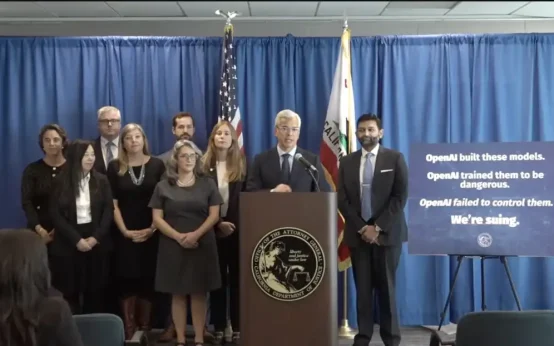 California Lawsuit Against OpenAI: Key Details and Implications
 Understanding Credit Freeze, Fraud Alert, and Identity Monitoring
 Foreign Spy Tactics Targeting US Tech Executives
 The Dangers of AI-Enhanced Phishing Scams
 Trump Supports Jensen Huang Amid Spy Allegations
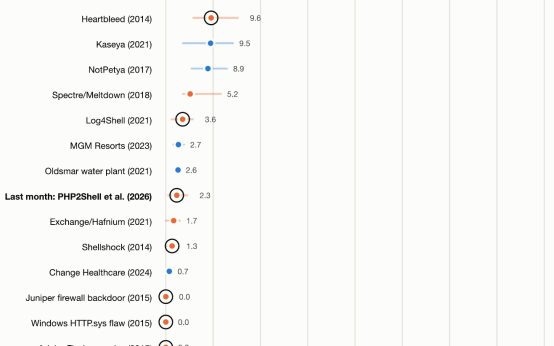 AI and the Unseen Cybersecurity Threats