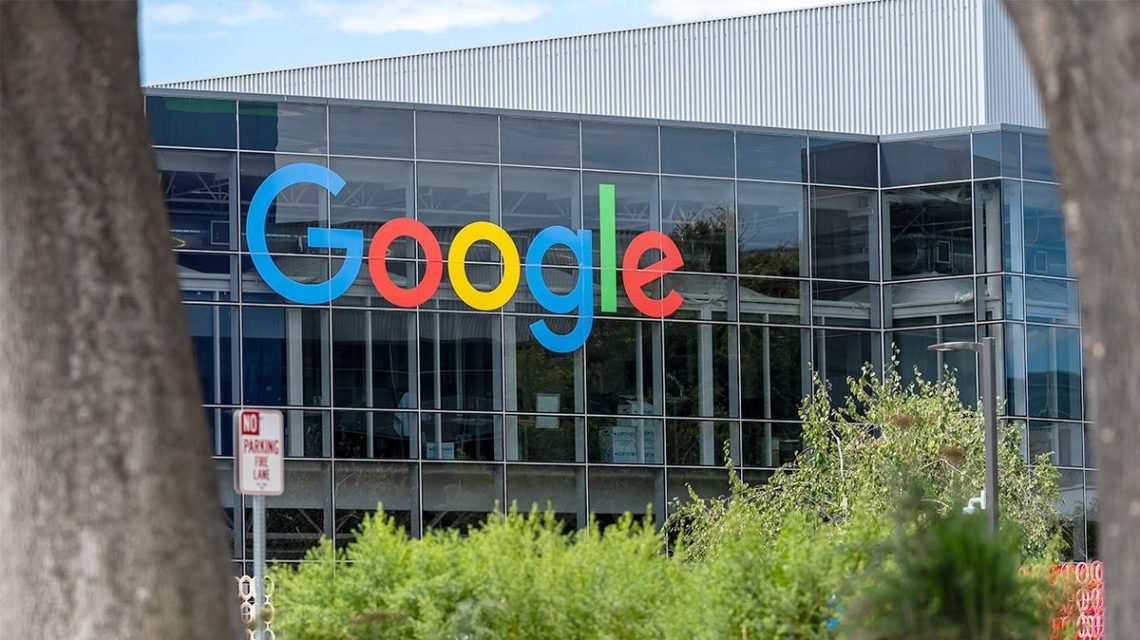
Browsing the web can sometimes lead to unexpected and alarming experiences. Imagine encountering a sudden warning that your browser requires a “Critical Update” while visiting a website. This message, designed to appear like genuine browser notifications, can be particularly convincing, potentially prompting users to click on a dangerous link.
Understanding the Fake Chrome Update Scam
Recent incidents have linked such fake update warnings to a Chrome extension called Enable Right Click & Copy – Smart Unlock + OCR. Originally developed as a legitimate tool for restoring right-click and copy functions on websites, the extension was later acquired by malicious actors who updated it with harmful features.
Security researchers identified that the extension, which had around 70,000 users at its peak, was flagged as potentially dangerous and delisted from the Chrome Web Store on August 14.
The Threat of Fake Update Alerts
These fraudulent update prompts can appear on normal websites, urging users to download unknown files instead of updating through Chrome itself. Google clearly states that Chrome updates automatically within the browser, and users can manually check updates via More > Help > About Google Chrome.
A webpage claiming you need to download a .vbs or .exe file to update Chrome should raise immediate suspicion. Google advises avoiding suspicious pop-ups and recommends visiting the official program website directly.
Why Trusted Extensions Can Become Dangerous
Extensions can change over time, even if they initially had great reviews and many users. If malicious players acquire an extension, they might alter it, introducing harmful updates.
Research highlights how Enable Right Click & Copy – Smart Unlock + OCR was part of a bigger campaign involving malicious payloads via browser extensions. These updates, capable of credential theft and fake prompts, demonstrate the potential danger of extensions that change ownership.
Importance of Recent Reviews
The extension maintained a high average rating of 4.7 stars, even as users reported fake update alerts. Reviewing recent feedback before installing an extension is crucial. Look beyond the star rating and consider new reviews to spot changes in reliability.
Antivirus Software May Not Always Help
Even strong antivirus software might not immediately identify problems. If a complete scan fails to detect issues, it doesn’t imply the warning is safe. Extensions may inject suspicious content in your browser without detection.
Keeping antivirus software updated and running periodic scans is essential, but personal vigilance regarding suspicious browser activity remains vital.
Steps to Protect Yourself from Fake Chrome Update Scams
- Never update Chrome from a webpage pop-up. Always use Chrome’s internal update system.
- Utilize strong antivirus software with real-time protection to prevent malware.
- Regularly review browser extensions. Remove those you no longer use or recognize.
- Read recent extension reviews before installation, rather than solely relying on star ratings.
- Enable Chrome’s Enhanced Protection for better warning about potential threats.
- Delete unexpected files immediately without opening them.
- Consider data removal services to minimize personal information exposure online.
If You Executed a Suspicious File
Disconnect sensitive accounts until scanning the device thoroughly. Use another trusted device to change passwords for accounts accessed on the affected computer.
Start with your email account to prevent unauthorized access to other services. Enable multifactor authentication wherever available.
Persistent Fake Update Warnings
If the warning persists after removing suspicious extensions, continue disabling remaining extensions one by one while checking for unauthorized browser changes.
Conduct a full antivirus scan to identify any additional issues. Avoid entering critical passwords or financial data until resolving the matter.
Final Thoughts
Fake Chrome update scams emphasize the need for caution even if a browser extension appears legitimate initially. Regularly reviewing extensions and understanding the update process helps ensure your browser security.
 Senate Democrats Block Data Center Bill Over Efficiency Concerns
  Future Cities: Ambitious Projects Aiming for Innovation and Sustainability
  High-Profile Hearing and AI Developments: Key Political Moves
  Key Events in Today’s Discussions Involving Jack Smith and President Trump
  Jack Smith Faces Scrutiny Amid Investigations into Trump
  White House to Promote AI Benefits Amidst Security Concerns