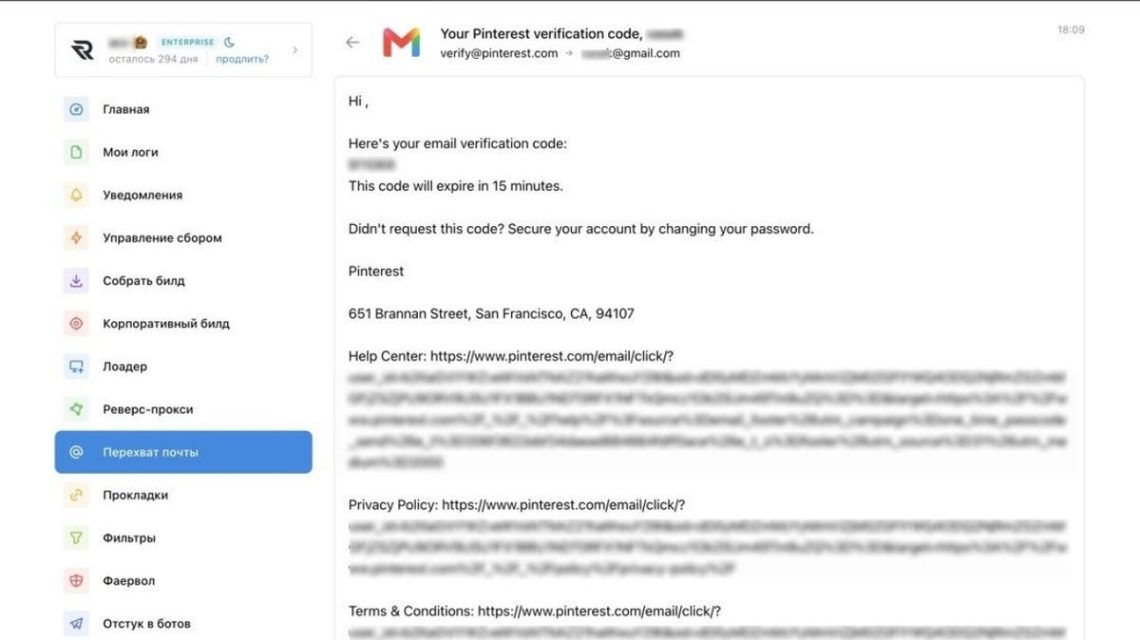
Gmail users often feel secure after changing their passwords, believing that their accounts are safe from unauthorized access. However, news about the Remus Stealer malware raises concerns about the security of Gmail accounts even after a password update.
Understanding Remus Stealer Malware
Remus Stealer is a malware service marketed to cybercriminals. Developers claim it can access Gmail messages even after a password reset. However, security researchers have not verified these claims independently, and Google refutes the notion of a Gmail security flaw. Instead, Google explains that this type of malware targets infected devices.
Investigations into Remus’s Abilities
Security researchers at Hudson Rock investigated promotional materials for Remus Stealer. They reported the malware could allegedly open a Gmail inbox directly from a control dashboard, according to its developers. However, researchers could not verify whether these claims were true.
Google’s Response
Google denies that the malware exploits any vulnerabilities in Gmail. The company clarifies that such attacks target session tokens on infected devices, rather than the Gmail system itself. Users are advised to remove the malware from affected devices and revoke active sessions.
Preventing Unauthorized Access to Gmail
If you suspect unauthorized access to your Gmail account, take immediate action:
- Remove malware from any infected devices.
- Change your password from a secure device.
- Revoke suspicious sessions using Google Security Checkup.
- Review Gmail settings for unauthorized forwarding rules.
Strengthening Your Google Account Security
Google recommends several steps to improve account security:
- Enable 2-Step Verification.
- Use Google’s Advanced Protection Program if needed.
- Monitor connected applications and remove any that are unfamiliar.
Key Takeaways
While changing your password is crucial, it must be paired with removing malware to avoid unauthorized access. Protect your account by ensuring malware is eradicated before resetting passwords. Regularly review account settings and sessions for unusual activity.
For more tips and alerts on account security, visit CyberGuy.com, where you can also find guides on spotting scams and enhancing your digital security.
 Leopold Aschenbrenner’s Vision for a Robotic Future
 Latest Developments in Politics, Technology, and Economy
 The Silence of Women in Tech Regarding Jensen Huang’s Return
 Lawmakers Question Nvidia CEO Jensen Huang Over National Security Concerns
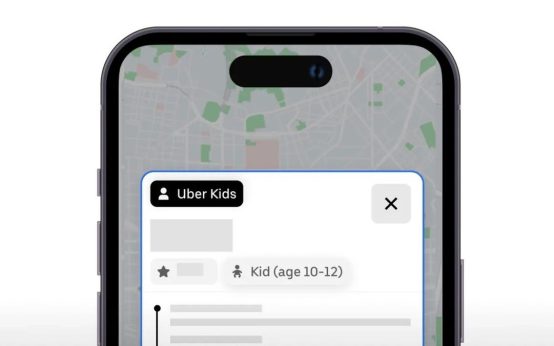 Uber Kids: A New Option for Busy Families
 Why Memorizing Facts Still Matters in the Age of AI